Turn your smartphone into a real-time vision input for Arduino® UNO™ Q
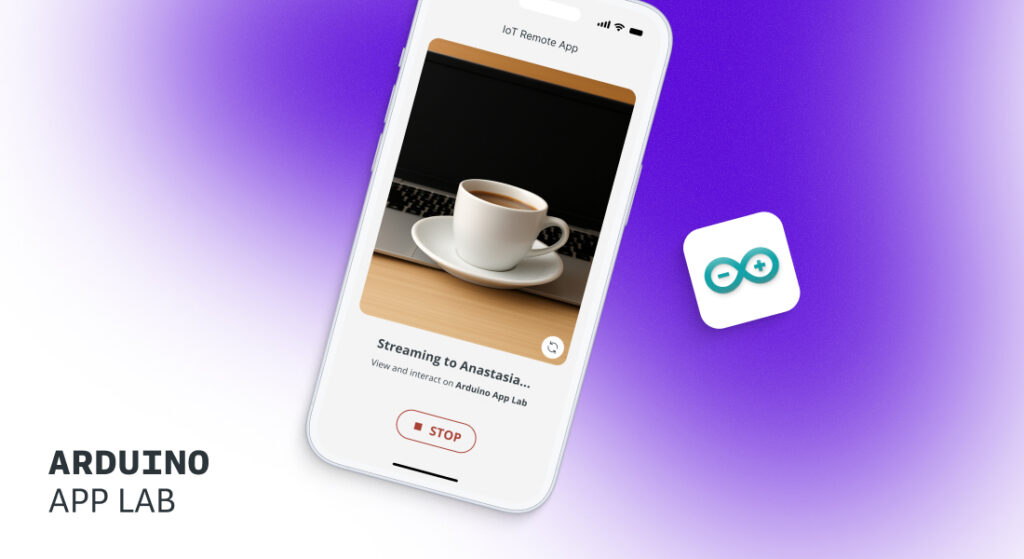
Building computer vision AI just got much simpler. The Arduino® IoT Remote App now supports direct Wi-Fi connection to your UNO Q board, turning your smartphone into a wireless, high-resolution camera sensor. No external hardware to buy. No cloud setup required. No cables to manage.
Your phone’s camera can stream directly to your board in seconds. Just pair, stream, and start building AI. It’s the fastest path from idea to working prototype the UNO Q has ever had!
Stream your phone camera input to UNO Q in 3 easy steps
Here’s the step-by-step workflow:
1. Start in Arduino App Lab
In Arduino® App Lab, open the “Detect Objects on Smartphone Camera” example or build your own app by dragging a vision brick, such as Object Detection, into your project. Arduino App Lab prepares your project to receive camera input and generates the pairing details for your UNO Q.
2. Connect your smartphone from IoT Remote App
With the QR code provided from Arduino App Lab, open or download the Arduino IoT Remote App on your phone, set-up a new device and select “Stream phone camera to UNO Q”. Camera streaming to UNO Q uses a local network connection, sending data directly to your board without going through Arduino Cloud servers.
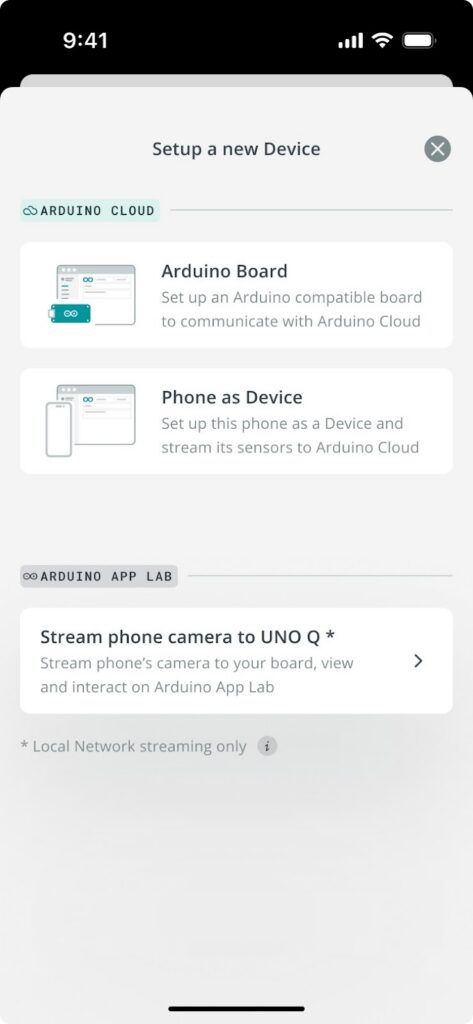
3. Stream phone camera data right away
As soon as your UNO Q is connected, your phone’s camera becomes a wireless vision sensor. Point it at objects like a book, a bottle, or an entire scene, and the video feed streams directly to your board, ready for real-time processing.
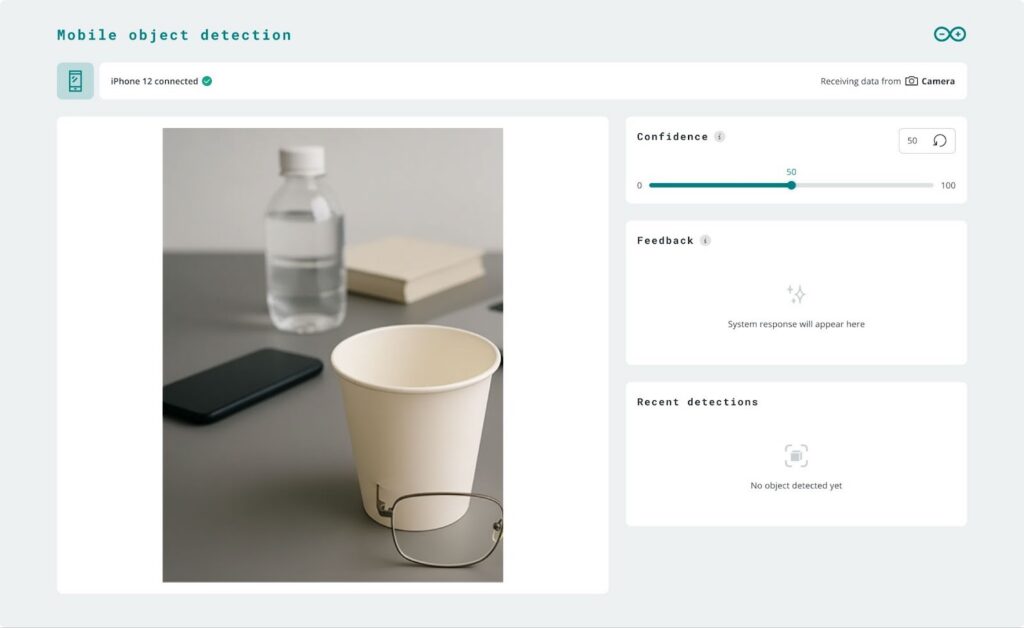
Create AI-powered projects quickly with camera streaming
With Arduino App Lab, you can develop machine learning models that run on UNO Q. You can start from Arduino’s pre-built examples that use camera input, such as:
- Image Classification
- Code Detection
See the overview list here to get inspired. Combine with your phone’s camera feed to build computer vision applications, gesture-controlled interfaces, object sorting and classification systems, and more!
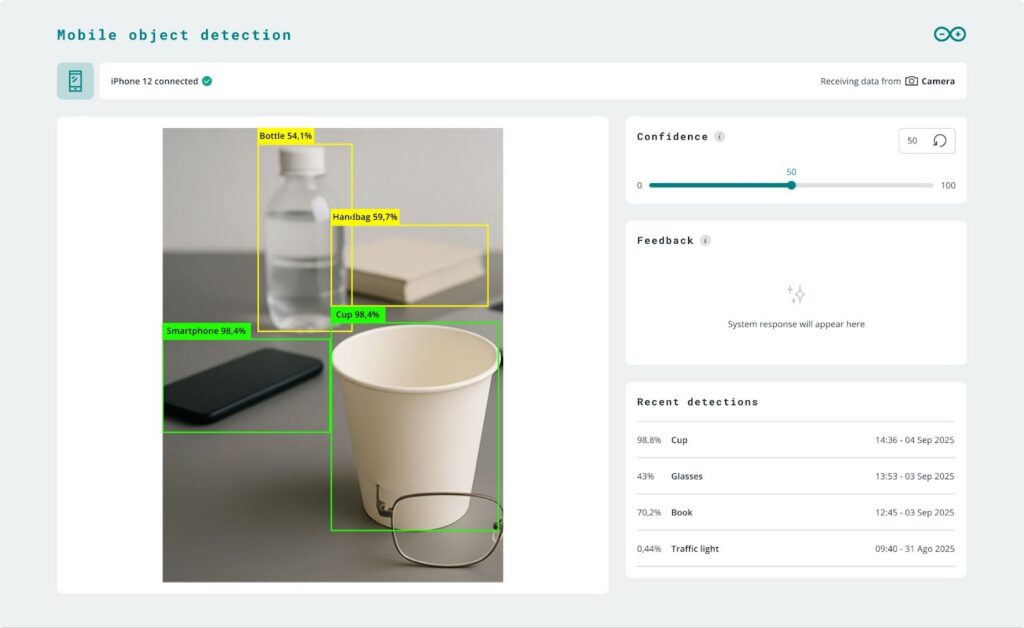
Local, wireless camera streaming
Camera streaming happens entirely on your local network. Your phone connects directly to your UNO Q, with no cloud involvement. Position your phone across the room, on a moving platform, attached to a robotic arm, or held in your hand while testing object detection, all without worrying about cable length or disconnections.
Get started today
Everything you need is probably already in your hands. Here’s what you’ll use:
- UNO Q: The brain of your operation. All the AI processing happens here, your phone is just the sensor.
- Arduino IoT Remote App: Your connection bridge. Yes, it has “IoT” in the name, but don’t let that confuse you. This new feature works completely offline.
- Arduino App Lab: Your development environment for creating, training, and deploying machine learning models.
For a detailed walkthrough, including best practices and tutorials, refer to the full documentation available at this link.
Ready to dive in?
Download the Arduino IoT Remote App, pair with your UNO Q, and start building AI-powered projects today. We’re linking all the resources you might need below:
As always, you can find further inspiration on Arduino Project Hub… or share your own successes with the rest of the community there!